

Download Pokemon Gadir Deluxe RPGXP FanGame
- Creator: PKMario & AlekZ
- Version: 1.0 EN / 1.1 PT-BR
- Released: December 12, 2025
- Language: English
- Status: Completed
Pokemon Gadir Deluxe is an RPGXP Fangame by PKMario & AlekZ, made using Pokemon Essentials and RPG Maker XP in English. It was released on December 12, 2025, and is now available to download.
Table of Contents
Also, be sure to check out Pokemon Royal
Story
The big day has arrived in the Gadir region. Set out on the Trainers’ Challenge and explore a brand-new region. Along the way, a group known as Team Tectonic causes trouble across the island, and you will have to stop them while earning all eight badges and claiming the title of Gadir Champion.
Features
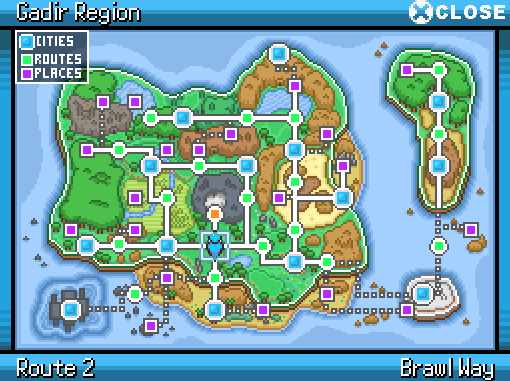
- A completely new region inspired by the province of Cádiz
- 1,078 Pokemon, including every existing species and brand-new Pokemon from the Gadir region
- All moves, items, abilities, and mechanics up to the latest generation
- Unique mechanics such as Pokémon Linking and a roguelike-style mode in the Hole
- A solid postgame featuring an explorable island, rematches, legendary items, and an additional story chapter
How to Play Gadir Deluxe
How to play Pokemon Gadir Deluxe on Windows
- Download the Game
- Extract the Zip File using WinRAR, 7ZIP, etc.
- Run the Game using the “game.exe” file within the extracted content
- If Windows SmartScreen blocks it, click “More Info” and then “Run anyway” to start the game.
How to play Pokemon Gadir Deluxe on Android
- Download the Game
- Extract the Zip File using the RAR app (or any other zip extractor)
- Important: Don’t use Zarchiver or your phone’s default unzipper, and don’t switch away from the app while it’s unzipping.
- Install JoiPlay & RPG Maker Plugin (from here)
- Set Up the Game in JoiPlay:
- In JoiPlay, tap “+”, then “Add Game”.
- Find the folder where you unzipped the game and choose Game.exe.
- Enter a version name and (optional) choose an icon from the game folder.
- Open the game and grant the RPG Maker Plugin permissions.
- Configure Buttons:
- To adjust on-screen buttons, tap the arrow at the top, then the gear icon.
- Make the buttons larger and set ZXCD to be accessible. A and S buttons may also be useful.
- JoiPlay has a speed-up option you can use.
- Common Issues:
- Fonts might look weird and there could be minor graphics issues.
- For graphical problems, try “Optimize Maps” in JoiPlay settings or re-extract the game.
- The game may freeze during the credits. If this happens, move your save file to a PC to continue.
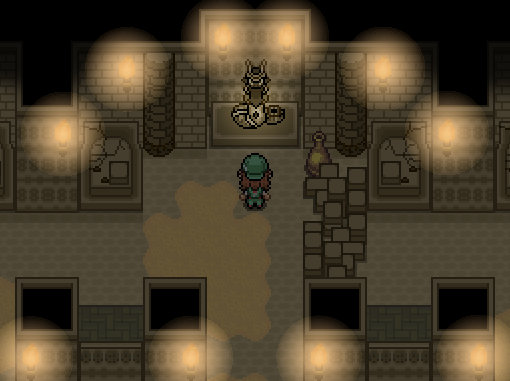
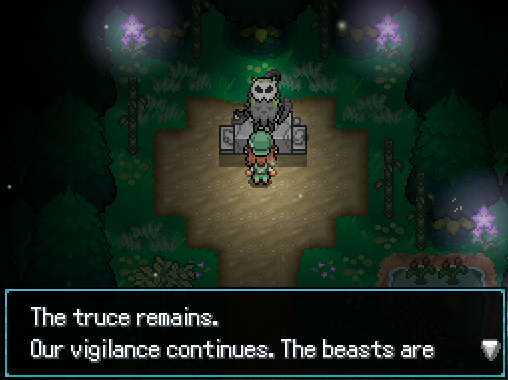
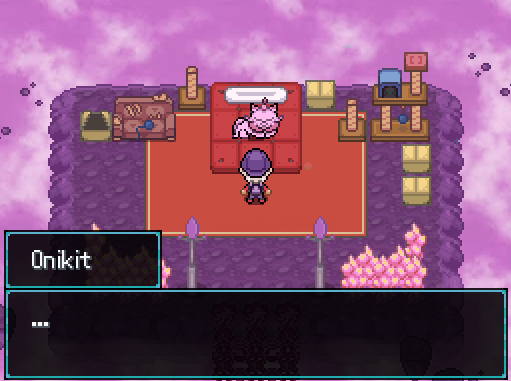
Screenshots
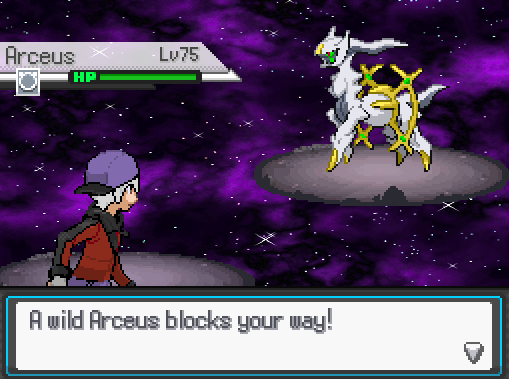
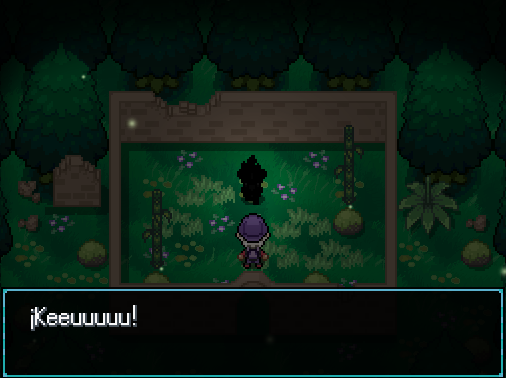
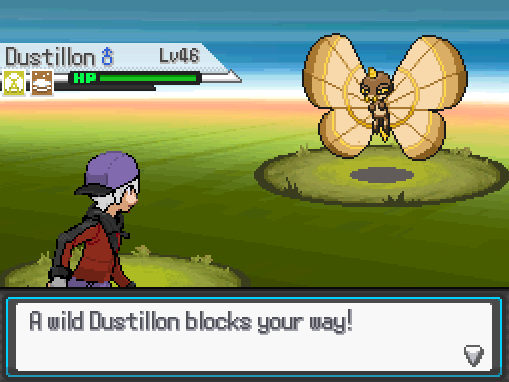
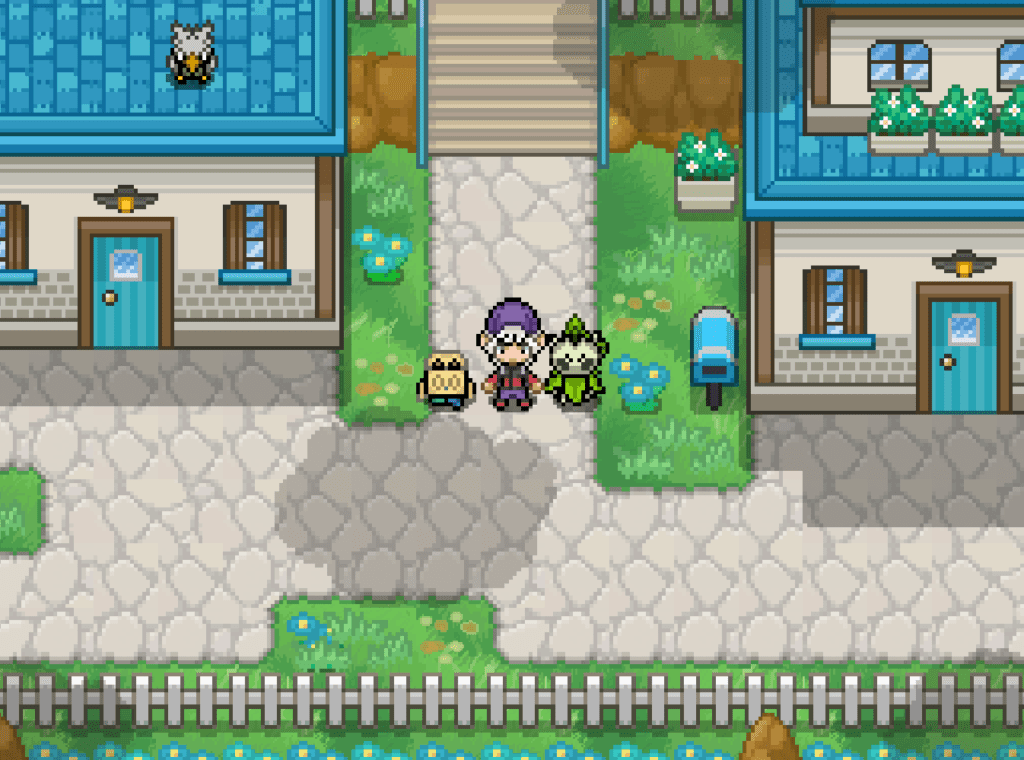
Useful Stuff
Downloads
Mirrors
Credits
Team:
- KMarioGC
- AlekZ
Made using:
- Pokemon Essentials
- RPG Maker XP
Pokémon is owned by:
- The Pokémon Company
- Nintendo
- Affiliated with Game Freak
